






Playinexch Payments at a glance
| Topic | Practical detail |
|---|---|
| UPI | Keep transaction ID and app status |
| Bank transfer | Check current recipient and reference |
| Wallet option | Use only methods shown in cashier |
| Withdrawal | Separate method, limits and eligibility |
Check the selected method
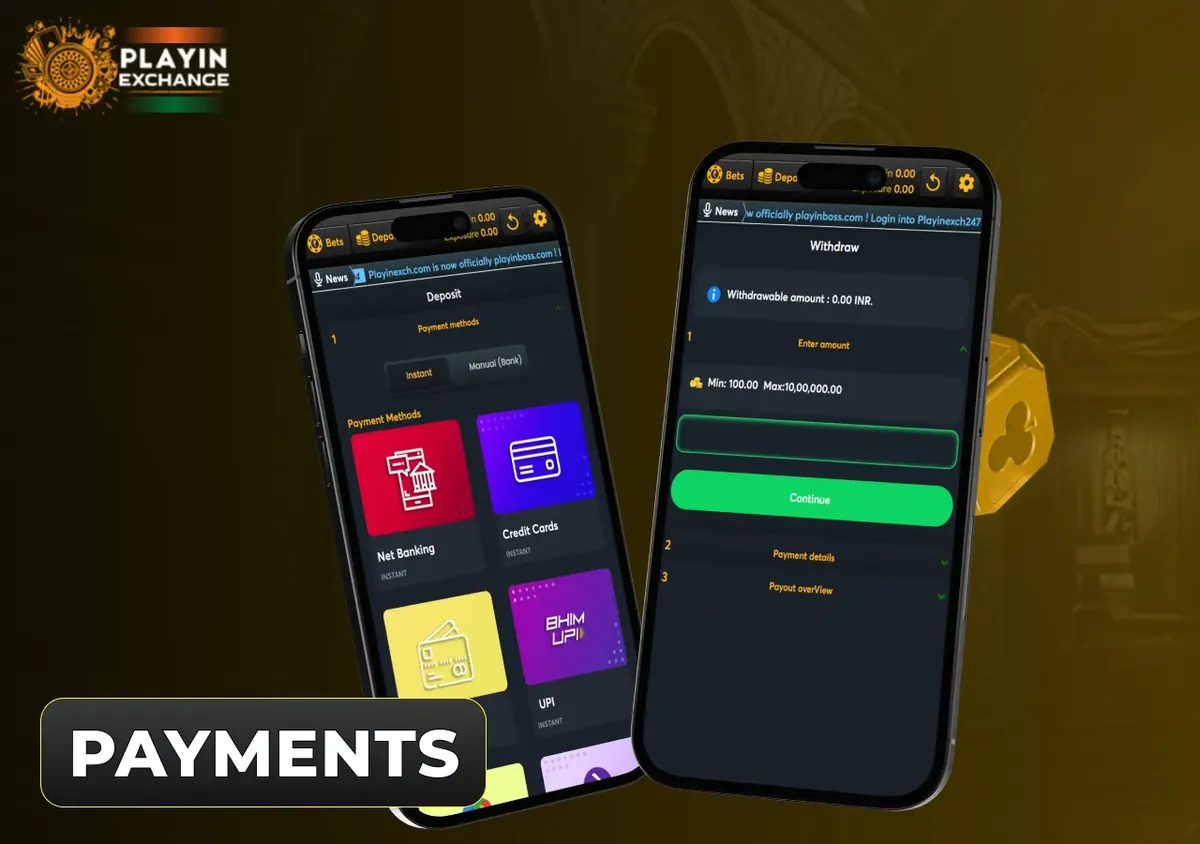
UPI, wallet references and bank transfer appear in payment discussions, but the cashier decides what your account can use. Read the current recipient, minimum, maximum and any fee. Do not reuse old bank details from a screenshot. A method used for deposit may not be available for withdrawal. Review each action separately before confirming the amount.
When a deposit is not credited
Inspect the bank or UPI app status first. If the payment succeeded, preserve the transaction reference, timestamp and amount. Compare them with account history before paying again. If the transaction is pending at the payment service, an additional payment creates a separate request and does not accelerate the first. Report the exact record through account support.
Keep payment information private
A UPI PIN authorises a payment; you do not enter it simply to receive money. Check the recipient shown in your payment app before approval. Do not share PINs, passwords or OTPs with anyone claiming to fix a missing credit. If details do not match the selected cashier request, stop and verify the request through a known channel.
- Withdraw funds — open the related steps and answers
- Bank account — open the related steps and answers
- UPI payments — open the related steps and answers
Complete the task step by step
- Choose Deposit and read the current cashier method.
- Match the recipient and amount in the payment app.
- Keep the transaction reference and bank status.
- Check account credit before sending another payment.
Frequently asked questions
Which payment method should I select?
UPI, wallet references and bank transfer appear in payment discussions, but the cashier decides what your account can use. Read the current recipient, minimum, maximum and any fee. Do not reuse old bank details from a screenshot. A method used for deposit may not be available for withdrawal. Review each action separately before confirming the amount.
What if a deposit is missing?
Inspect the bank or UPI app status first. If the payment succeeded, preserve the transaction reference, timestamp and amount. Compare them with account history before paying again. If the transaction is pending at the payment service, an additional payment creates a separate request and does not accelerate the first. Report the exact record through account support.
Do I need a UPI PIN to receive money?
A UPI PIN authorises a payment; you do not enter it simply to receive money. Check the recipient shown in your payment app before approval. Do not share PINs, passwords or OTPs with anyone claiming to fix a missing credit. If details do not match the selected cashier request, stop and verify the request through a known channel.
How do I request a withdrawal?
A Playinexch withdrawal starts with the withdrawable balance, not necessarily the full displayed balance. Choose a receiving method, confirm the amount and track the request through its recorded stages.