






Playinexch Bank account at a glance
| Topic | Practical detail |
|---|---|
| Name | Follow account-verification format |
| Account number | Compare every digit |
| IFSC | Check bank branch where required |
| Open request | Do not assume edits apply retroactively |
Enter details once, inspect twice
Copy the account number from a reliable bank record rather than a chat message. Confirm the bank and branch code when the form requires it. Check the account-holder name against the account verification instructions. A typographical error can cause rejection or misdirection. Save only after inspecting the complete entry.
Changing a receiving account
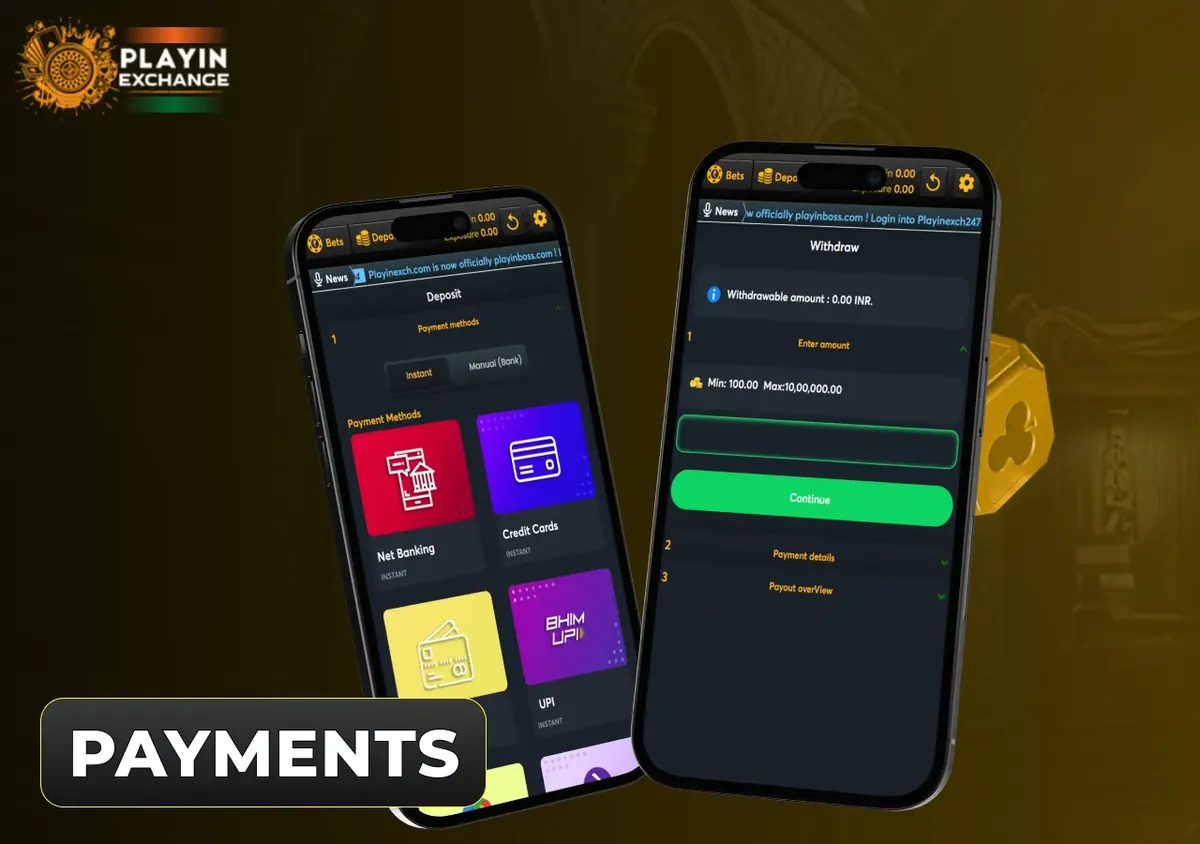
Read whether a change needs verification or applies only to future requests. Do not assume editing a stored bank entry changes an already processing withdrawal. Ask support before changing details while a request is open. Keep the original payment record so the receiving route remains traceable.
Privacy and mismatches
Use secure account forms for payment details. Do not post full bank statements in public groups. When support needs evidence, show the relevant transaction and redact unrelated entries. A mismatch should be corrected through the account process rather than by sending money to a different person promising faster processing.
- Payments — open the related steps and answers
- Withdraw funds — open the related steps and answers
- Withdrawal problems — open the related steps and answers
Complete the task step by step
- Copy details from your own bank record.
- Compare every account-number digit and required branch code.
- Check the holder name against verification instructions.
- Ask about any open request before changing saved details.
Frequently asked questions
Which bank details should I check?
Copy the account number from a reliable bank record rather than a chat message. Confirm the bank and branch code when the form requires it. Check the account-holder name against the account verification instructions. A typographical error can cause rejection or misdirection. Save only after inspecting the complete entry.
Does editing bank details change an open request?
Read whether a change needs verification or applies only to future requests. Do not assume editing a stored bank entry changes an already processing withdrawal. Ask support before changing details while a request is open. Keep the original payment record so the receiving route remains traceable.
How do I share bank evidence safely?
Use secure account forms for payment details. Do not post full bank statements in public groups. When support needs evidence, show the relevant transaction and redact unrelated entries. A mismatch should be corrected through the account process rather than by sending money to a different person promising faster processing.
How do I compare deposit and withdrawal methods?
Playinexch payments begin in the cashier, where the selected action determines the available methods. Keep deposit confirmation and withdrawal status separate. Check the current cashier method, amount limits and transaction reference before confirming an INR payment.